Compress PDF Without Losing Quality (Free 2025 Guide)
- Why PDF Files Get Large
- Fastest Way: Compress PDF Online (Free)
- Other Ways to Reduce PDF Size (Offline + Alternatives)
- Pro Tips to Compress PDF Without Losing Quality
- Suggested Workflow (Repeatable Results)
- Real-World Compression Results
- FAQ: Compress PDF Without Losing Quality
- Related Tools on PDFConvertPrime
- Sources
Compress PDF without losing quality?that?s the exact outcome you want when a file is too large for email, online forms, or learning portals. In this practical guide you?ll learn why PDFs get big, the fastest way to compress them online for free, reliable offline options, and proven techniques that preserve crisp text, clean lines, and accurate colors. We?ll also share a repeatable workflow, real-world results, and quick links to related tools on PDFConvertPrime Tools to keep you moving.
Why PDF Files Get Large
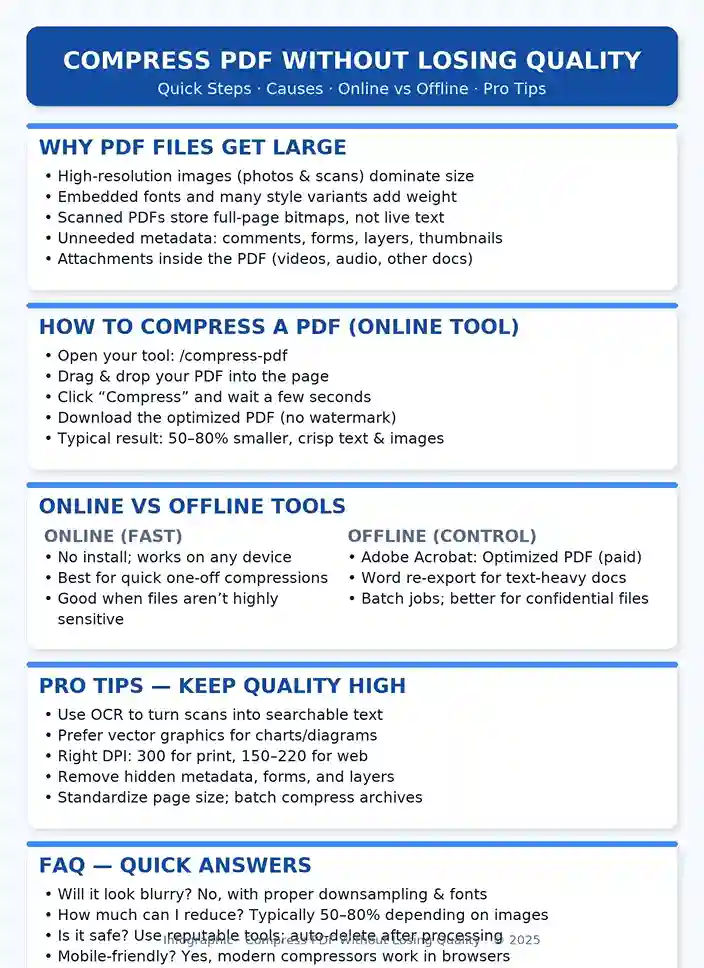
PDF is a powerful container. It can bundle selectable text, vector graphics, images, forms, annotations, and even embedded files. Size inflates primarily due to:
- High-resolution images (photos, scans, screenshots) that consume most of the space.
- Embedded fonts when you export many families/weights/character sets.
- Image-based (scanned) PDFs where every page is a bitmap rather than real text.
- Hidden metadata like comments, form history, layers, thumbnails, or XMP data.
- Attachments such as video, audio, or other documents.
Knowing the cause lets you target the right fix: downsample images smartly, keep text as text (via OCR), strip bloat, and retain vectors wherever possible. This is how you compress PDF without losing quality.
Fastest Way: Compress PDF Online (Free)
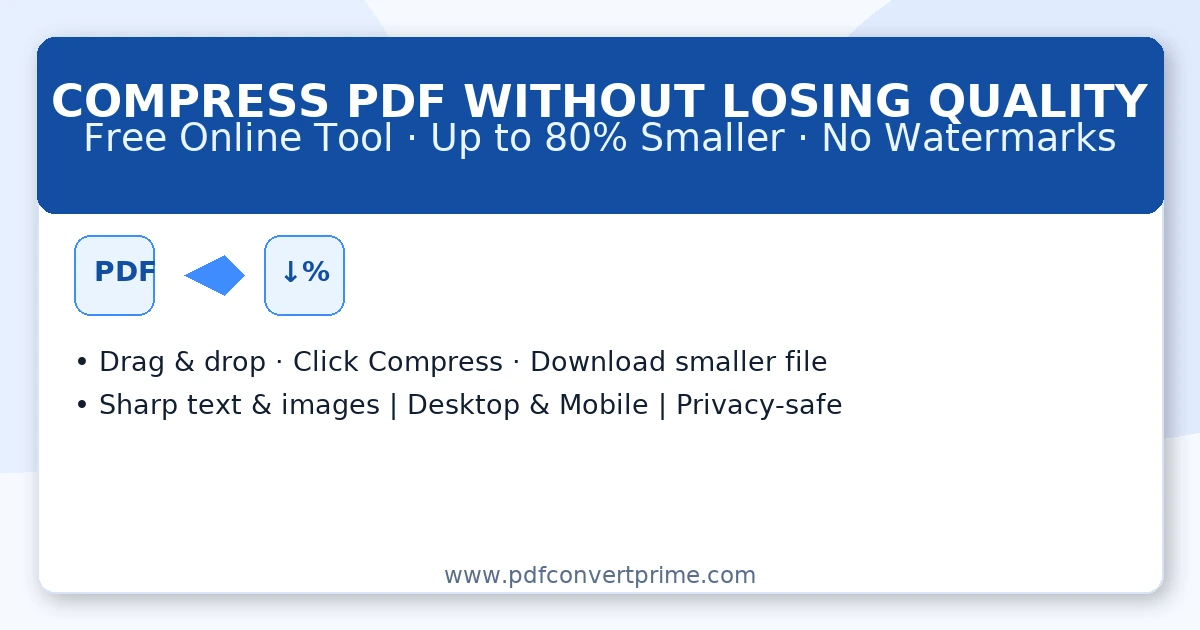
The simplest route is our secure, browser-based compressor?no installation, no learning curve:
- Open Compress PDF.
- Drag & drop your PDF from desktop or mobile.
- Click Compress; wait a few seconds.
- Download an optimized file?typically 50?80% smaller with fonts and layout preserved.
Behind the scenes, the tool downsamples images responsibly, removes unused metadata, and keeps vector/text layers intact, giving you a smaller file that still looks right on screen and prints cleanly.
Other Ways to Reduce PDF Size (Offline + Alternatives)
1) Adobe Acrobat Pro
Open the PDF ? File ? Save as Other ? Optimized PDF. You can tune image downsampling, discard objects, subset fonts, and clean metadata. It?s precise and professional (subscription required). Reference: Adobe: Optimize PDFs.
2) Microsoft Word (if you have the source)
If the PDF started in Word, re-export the original: File ? Save As ? PDF ? choose Optimize for Minimum size. Need to edit first? Convert with PDF to Word, tweak, then export back using Word to PDF.
3) macOS Preview
Open in Preview ? File ? Export ? Quartz Filter: Reduce File Size. It?s free and quick but may soften images; verify the output visually.
4) Free Desktop Software
Utilities like PDFsam Enhanced, Free PDF Compressor, or LibreOffice allow local/batch compressions. Results vary by document complexity?test a small sample and compare.
5) Google Drive ?lightweight export? trick
Upload to Drive ? open with Google Docs ? File ? Download ? PDF. Rebuilding often strips bloat. Reference: Google Drive Help.
Pro Tips to Compress PDF Without Losing Quality
- OCR scans: convert bitmap pages to searchable text. Text compresses far better than images and improves accessibility.
- Prefer vectors: export charts/diagrams as vector PDF/SVG rather than PNG/JPG.
- Right DPI: 300 DPI for print; 150?220 DPI for screens and general sharing.
- Remove bloat: delete comments, form data, hidden layers, and embedded thumbnails.
- Consistent pages: standardize page dimensions/orientation to reduce overhead.
- Batch jobs: for archives, run offline tools with queueing for consistency and speed.
Suggested Workflow (Repeatable Results)
- Run Compress PDF for an instant drop.
- If it?s a scan, perform OCR (or convert with PDF to Word ? edit ? Word to PDF).
- Downsample only as needed (aim for 300 DPI print / 150?220 DPI screen).
- Strip comments/forms/attachments; save a clean final.
- Re-compress if you changed a lot of imagery.
Real-World Compression Results
- Government report (45 MB) ? 7 MB using image downsampling + metadata cleanup.
- Student thesis (22 MB) ? 3.5 MB via online compression + font subsetting.
- Contract archive (500 MB) ? 90 MB with OCR + batch processing.
FAQ: Compress PDF Without Losing Quality
Will my PDF look blurry after compression?
No?when you keep text as text (OCR) and downsample images within sensible ranges, documents remain visually identical for on-screen reading and standard printing.
How much can I reduce?
Most documents shrink by 50?80%. Image-heavy scans see the largest gains; text-dominant documents also compress well.
Is online compression safe?
Yes?use reputable tools that process securely and auto-delete files after completion. That?s how our compressor is designed.
Can I compress PDFs on my phone?
Absolutely. The tool runs in mobile browsers without installing an app.
Related Tools on PDFConvertPrime
- Compress PDF (this page?s tool)
- Merge PDF ? PDF Split
- PDF to Word ? Word to PDF
- PDF to Image ? Image to PDF
- QR Code Generator ? All Tools