Best Free PDF Tools 2025 – Student Guide (Online & Offline)
Updated for 2025
[lwptoc]
Introduction: What “Best Free PDF Tools 2025” Really Means for Students
Best Free PDF Tools 2025 isn’t just a tagline—it’s a practical, student-focused set of fast, secure, and free utilities to merge, split, compress, and convert PDFs in seconds. Students juggle lecture slides, eBooks, research papers, forms, and submissions. PDF preserves formatting across devices, but it can be a roadblock when you need to edit or reorganize content. This guide gives you a curated toolbox and workflows to move from “stuck” to “submitted.”
Every tool below runs in your browser and requires no signup. Upload safely, get the result, and move on. If you want to jump straight in, open the complete suite of PDF tools now—merge, split, compress, and convert PDFs online, free and watermark-free.
Why Students Need the Best Free PDF Tools 2025 (Online & Offline)
Most campuses rely on PDF because it preserves layout, embeds fonts, and looks identical everywhere. Student workflows, though, are messy. You collect readings from a portal, scan handouts, export slides, and collaborate in Google Docs—then the professor asks for “one PDF under 10 MB.” The best free PDF tools 2025 save hours by handling limits, edits, and exports cleanly.
- Assignments & projects: Merge title page, report, charts, and bibliography into one polished file.
- Group work: Split giant PDFs so teammates can annotate different chapters.
- Sharing notes: Convert slides or images into easy-to-read PDFs for classmates.
- File size limits: Compress PDFs to meet LMS/email caps without ruining quality.
- Editing & accessibility: Convert between PDF and Word for revisions and accessible formatting.
New to the format? Review the Portable Document Format (PDF) overview and see pro features in Adobe Acrobat.
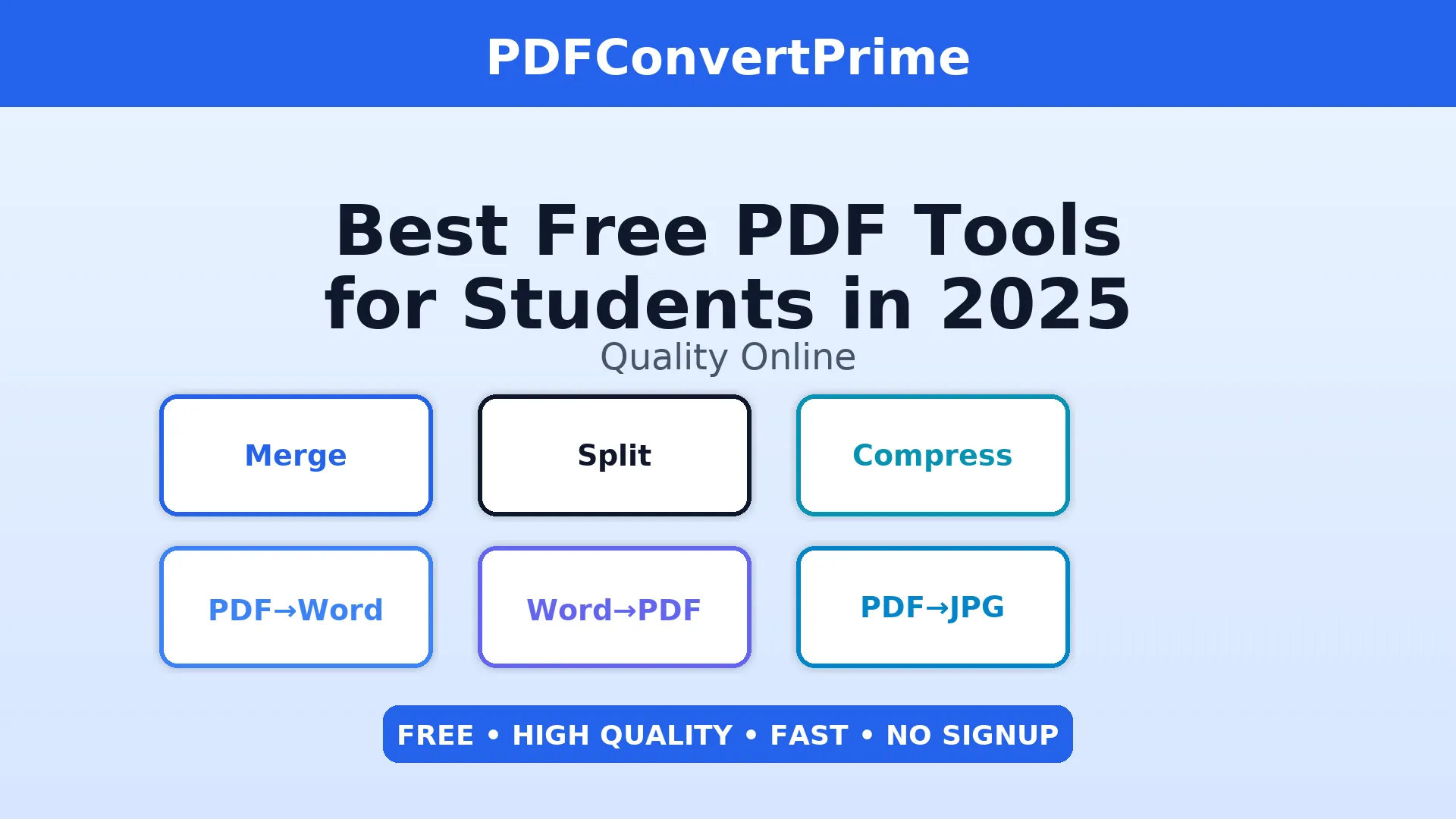
Best Free PDF Tools 2025 (Quick Student-Friendly List)
- Merge PDF — combine multiple files into one submission.
- Split PDF — extract the chapter or slide range you need.
- Compress PDF — beat upload limits without losing clarity.
- PDF to Word — edit content quickly without retyping.
- Word to PDF — preserve formatting for professional submissions.
- PDF to JPG (PDF to Image) — convert pages to crisp images.
- Image to PDF — scan notes and compile them in one file.
- QR Code Generator — share links in slides and handouts.
Detailed PDF Toolbox & Use-Cases (Best Free Tools 2025)
1) Merge PDF Online Free (Perfect for Submissions)
Submitting a project with separate title page, report, charts, and bibliography? Professors prefer one clean document. Use Merge PDF to combine files in seconds. Drag to reorder pages, merge, download—done. Pro tip: keep a short, searchable filename like course-project-merged.pdf.
2) Split PDF Online Free (Share Only What Matters)
When readings are long, you rarely need everything. With Split PDF, extract the exact chapter, case study, or slide range you need. Ideal for study groups and citation packs.
3) Compress PDF Free (Beat Upload Limits Fast)
Many portals cap uploads at 10–25 MB. Scans and image-heavy reports can blow past that. Run your file through Compress PDF to shrink size while keeping clarity.
4) Convert PDF to Word Free (Edit Without Re-typing)
Need to rewrite a paragraph or fix spacing? Convert a locked PDF into DOCX with PDF to Word. Edit, then export back to PDF.
5) Convert Word to PDF Free (Preserve Professional Formatting)
Prevent layout surprises and submit in PDF using Word to PDF.
6) Convert PDF to JPG / PNG Free (Images for Presentations & Portals)
Some portals only accept images. PDF to Image converts each page to a crisp image—perfect for slide decks and posters.
7) Image to PDF Online Free (Turn Phone Scans into One File)
Scan notes on your phone and compile as a single PDF with Image to PDF.
8) QR Code Generator Free (Share Resources Instantly)
Create scannable links for posters and slides using the QR Code Generator.
Pro Student Workflows with Best Free PDF Tools 2025
A) The Clean Submission Workflow (Merge & Compress PDF Free)
- Export your report from Google Docs/Word as PDF.
- Append figures/spreadsheets as separate PDFs.
- Combine with Merge PDF.
- If the file is large, run Compress PDF.
- Double-check order and headers, then submit.
B) The Research Pack Workflow (Split & Merge PDF Online)
- Collect readings (PDFs) from your library portal or LMS.
- Extract chapters using Split PDF.
- Merge excerpts with Merge PDF.
- Compress and share with your study group.
C) The Presentation Graphics Workflow (Convert PDF to JPG/PNG)
- Export your thesis pages or charts as PDF.
- Run through PDF to Image to get high-res JPG/PNG.
- Insert images into slides; keep a PDF copy for print posters.
Quality Tips for Using Free PDF Tools (Fast Wins)
- Target 300 DPI for print; 150–220 DPI is fine for slides/screens.
- PNG for screenshots/diagrams; JPG for photos.
- Short filenames (e.g., econ101-lit-review-v2.pdf).
- Batch tasks to stay focused.
- Back up to cloud + local drive before deadlines.
Privacy, Security & Accessibility with Online PDF Tools
These browser tools require no account. Avoid public Wi-Fi for sensitive work; keep local backups. For accessibility, converting a PDF to Word can help with text size, spacing, and screen readers.
Common Mistakes Using Free PDF Tools (and Easy Fixes)
- Huge scan won’t upload: Use Compress PDF.
- Wrong page order: Re-merge with Merge PDF.
- Can’t edit text: Convert with PDF to Word.
- Professor needs images: Export via PDF to Image.
- Handwritten notes: Bundle scans with Image to PDF.
FAQs: Best Free PDF Tools 2025
Are these tools really free for students?
Yes. All tools listed are free to use with no watermarks or hidden limits. They run in the browser and do not require an account.
Do the tools work on phones and tablets?
Absolutely. Every tool is mobile-friendly and works on iOS/Android in Chrome, Safari, or Firefox.
Is it safe to upload assignments?
Files are transferred securely and removed automatically after processing to protect your privacy.
What if my PDF is too large for email or LMS?
Use Compress PDF to reduce size while preserving readability.
Can I edit text inside a PDF?
Convert to DOCX with PDF to Word, edit, then export back to PDF.
Conclusion: Why Students Should Use the Best Free PDF Tools 2025
The Best Free PDF Tools 2025 remove friction from academic work. Whether you need to merge chapters, split readings, compress file sizes, or convert formats for editing, these free online PDF tools save hours across a semester.
Quick links: All PDF Tools · Merge PDF · Split PDF · Compress PDF · PDF to Word · Word to PDF · PDF to JPG · Image to PDF · QR Code Generator