Want a fast and easy way to share a YouTube video with one scan? A youtube video qr code generator turns your YouTube link into a scannable QR code that opens your video instantly on iPhone or Android—no typing, no searching, no confusion.
Whether you’re promoting a product demo, a classroom lesson, an event recap, or a portfolio reel, QR codes help people simply open your content from posters, flyers, business cards, menus, presentations, and landing pages. In this guide you’ll learn how to generate a QR code for a YouTube video, how to improve scan success, and how to choose the best download format (PNG vs WebP) for performance.
Table of Contents
- What is a YouTube video QR code?
- Why use a youtube video qr code generator?
- How to generate a QR code for a YouTube video (step-by-step)
- Best practices for scan quality
- Design tips: posters, business cards, and social media
- PNG vs WebP (and when to use each)
- Troubleshooting: why a QR won’t scan
- FAQ
What is a YouTube video QR code?
A YouTube video QR code is a QR code that stores a video link (URL)—not the video file itself. When someone scans the code using a phone camera or QR code scanner, it opens the YouTube video page in the YouTube app or a browser.
This matters because QR codes are built to store text and links, not large media files. So every qr code generator for youtube videos works by converting your YouTube URL into a QR pattern that phones can read quickly.
You can create QR codes for:
- Individual YouTube videos
- YouTube playlists
- YouTube channels
- Unlisted links (works as long as the viewer has access)
Why use a youtube video qr code generator?
If your audience sees your video offline (on paper, packaging, signage, or in-person), QR codes remove friction. Instead of typing a long URL, they scan once and the video opens immediately. That’s why brands use a youtube video qr code generator to improve customer experience and boost conversions from print to digital.
Top benefits:
- Quick and easy access: one scan opens the video
- Better engagement: fewer drop-offs than “type this link”
- Perfect for business cards, posters, flyers, menus, and brochures
- Works on iPhone and Android cameras
- Great for social media graphics and presentations
If you need official help on sharing YouTube links, YouTube’s own documentation is a good reference:
YouTube Share options.
For broader context, you can also review How YouTube Works.
How to generate a QR code for a YouTube video (step-by-step)
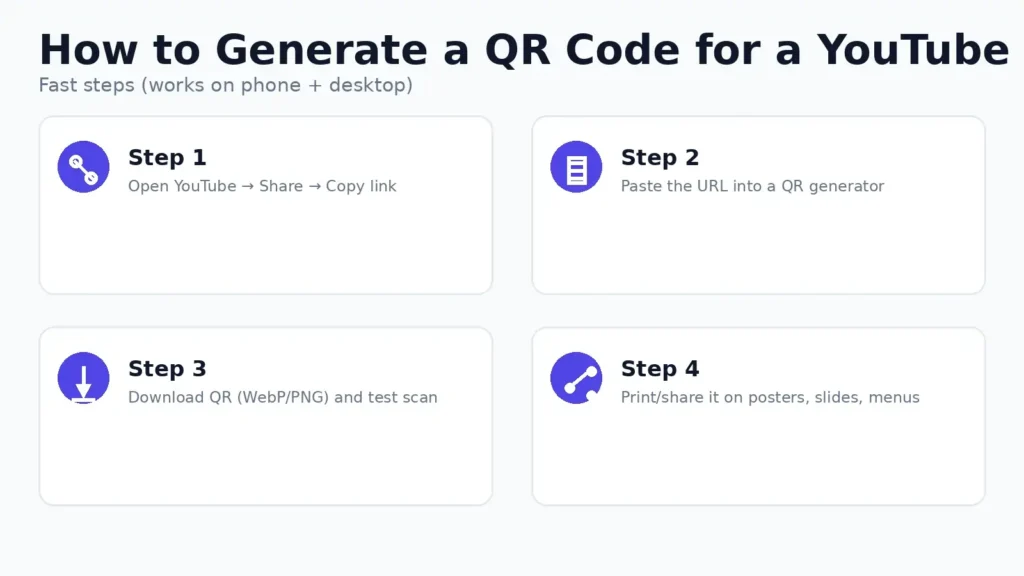
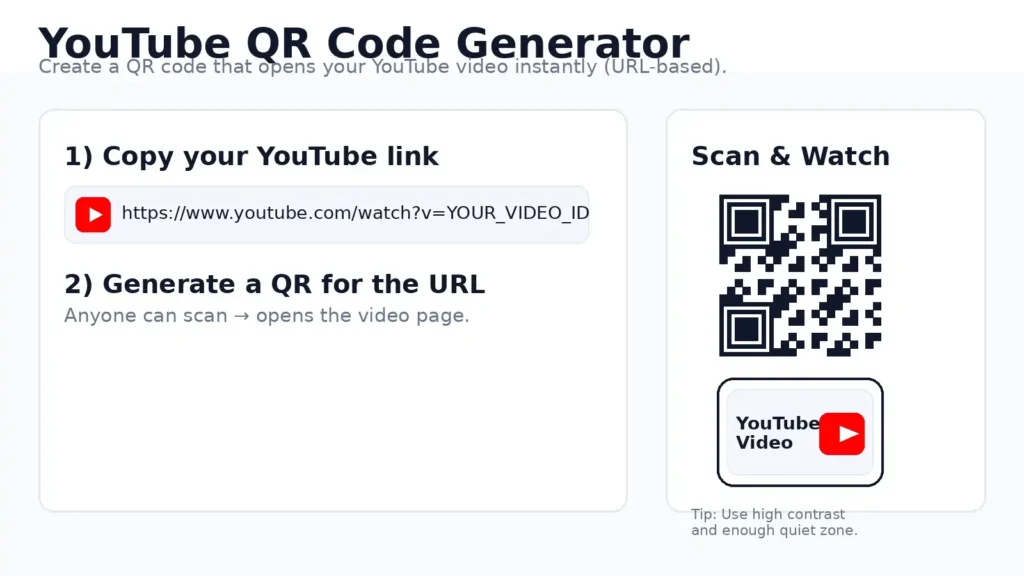
Here’s the exact workflow to generate qr code for youtube video links:
- Open your YouTube video on desktop or mobile.
- Tap Share → choose Copy link.
- Paste the link into a youtube video qr code generator.
- Click Generate and download the QR image.
- Test scan on both iPhone and Android before you publish or print.
Best tool for YouTube links (URL):
QR Generator (works for any URL).
Need a video to QR code generator for files (MP4/WebM upload)?
Use our Video to QR Code Generator.
Best practices for scan quality
Scan failures usually happen because of design or printing mistakes—not the QR itself. Use these best practices to get reliable scans and a better customer experience:
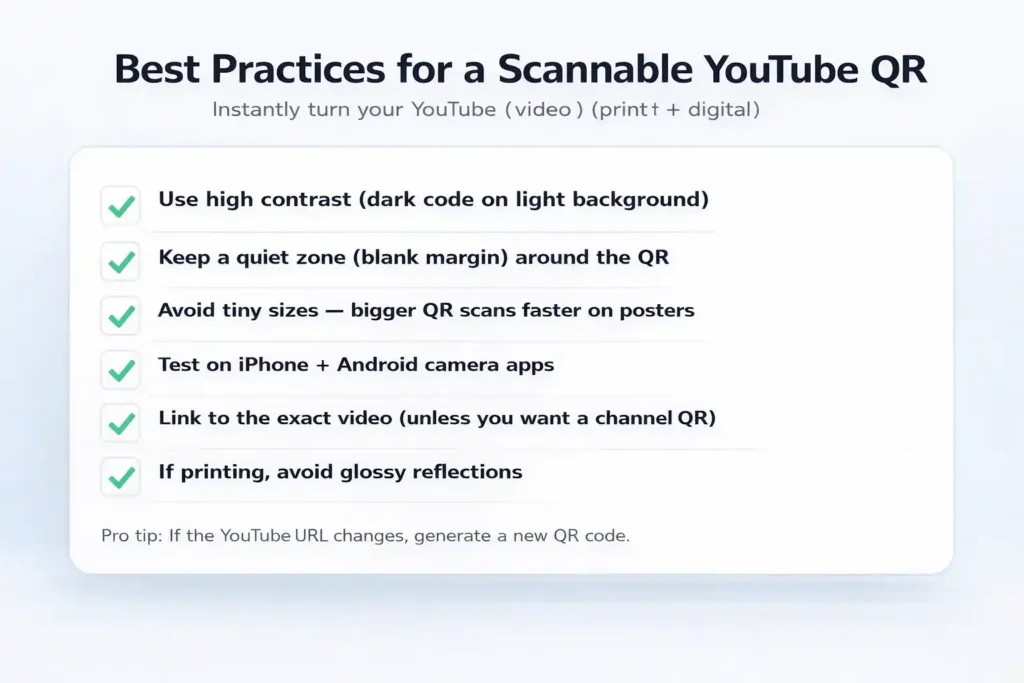
1) Use high contrast
Dark QR code on a light background is the safest. Avoid low-contrast designs and avoid placing the QR on top of gradients.
2) Keep the “quiet zone”
Leave clean space around the QR code. If you crop too tight, scanners struggle.
3) Make it the right size
Business cards need smaller codes, posters need larger codes. A good rule is: the farther the scan distance, the bigger the QR needs to be.
4) Avoid busy backgrounds
Patterns, textures, and photos behind the QR can reduce scan success. Use a clean block behind the QR.
5) Test on multiple devices
Before printing 500 flyers, test scan with an iPhone and an Android device in real lighting conditions.
Design tips: posters, business cards, and social media
Different placements require different QR design choices. Here’s what works best:
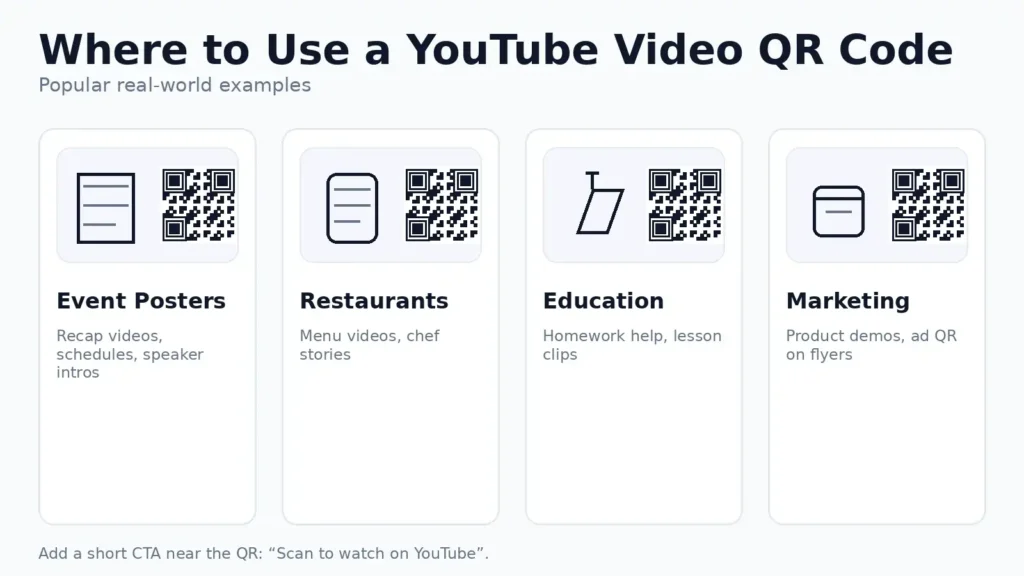
Posters & signage
- Use a larger QR code so it scans from distance.
- Add a clear CTA: “Scan to watch the video”.
- Keep the QR away from the edges where it may get cut off.
Business cards
- Use a clean background and keep enough quiet zone.
- Don’t shrink the QR too much—test scan before printing.
- Pair it with short text like: “Scan for my YouTube intro”.
Social media & presentations
- Use high contrast for better screen scanning.
- Give the QR breathing room (margins).
- Keep the QR visible on screen long enough for scanning.
These design decisions are what make a free video qr code generator output feel professional in real-world use.
PNG vs WebP (and when to use each)
Choosing the right image format affects load speed and print quality:
WebP (recommended for web)
- Smaller file size → faster loading
- Great for landing pages and blog posts
- Better performance on mobile connections
PNG (recommended for print)
- Crisp edges and predictable output
- Safer for print shops
- Ideal for posters, menus, and flyers
Best practice: Use WebP in your blog post. Keep a PNG copy if you plan to print. If your WebP file is still large, resize to the exact display width and compress before uploading.
Troubleshooting: why a QR won’t scan
If a YouTube QR code won’t scan, it’s usually one of these issues:
- Low contrast: background and QR are too similar.
- No quiet zone: QR is cropped too close.
- Too small: viewer can’t scan from the real distance.
- Glare/reflections: glossy print or screen glare.
- Wrong URL: link was copied incorrectly or includes extra characters.
Fix those, regenerate the code, and re-test. A solid youtube video qr code generator workflow always includes testing before distribution.
FAQ
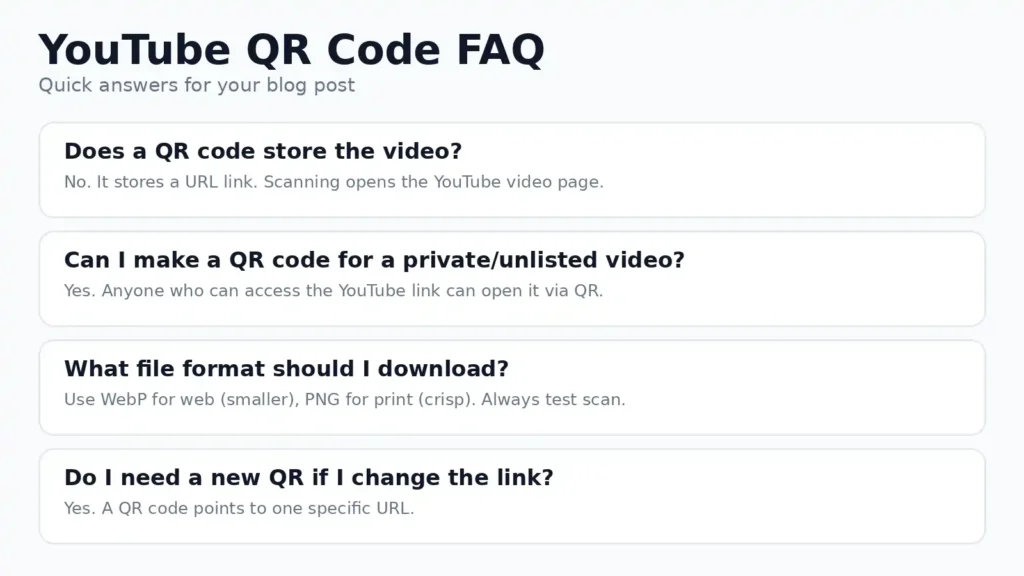
Does a QR code store the video?
No. It stores a link (URL). Scanning opens the YouTube page or app.
Can I create a QR code for unlisted videos?
Yes. If the YouTube link is accessible to the viewer, the QR will work.
Do I need a new QR code if the YouTube link changes?
Yes. QR codes point to a specific URL. If the URL changes, generate a new one.
Which is best for blogs: PNG or WebP?
Use WebP for smaller size and faster loading. Keep WebP
Try it now (2 options)
✅ For a YouTube link (URL): Generate QR Code for YouTube Video
✅ For uploading a video file (MP4/WebM): Video to QR Code Generator
Pro Tip: Place a short CTA next to the QR such as “Scan to Watch on YouTube”. Clear instructions increase scans and clicks.